techonc Signage.
A 24/7 digital signage system that turns TVs into a live company noticeboard — plus a broadcast engine that converts the web UI into an actual TV channel.
Live Demo →Problem
Announcements, the daily menu, events and safety information didn't reach staff reliably; papers pinned to boards went stale, and pushing content to screens was manual work.
Solution
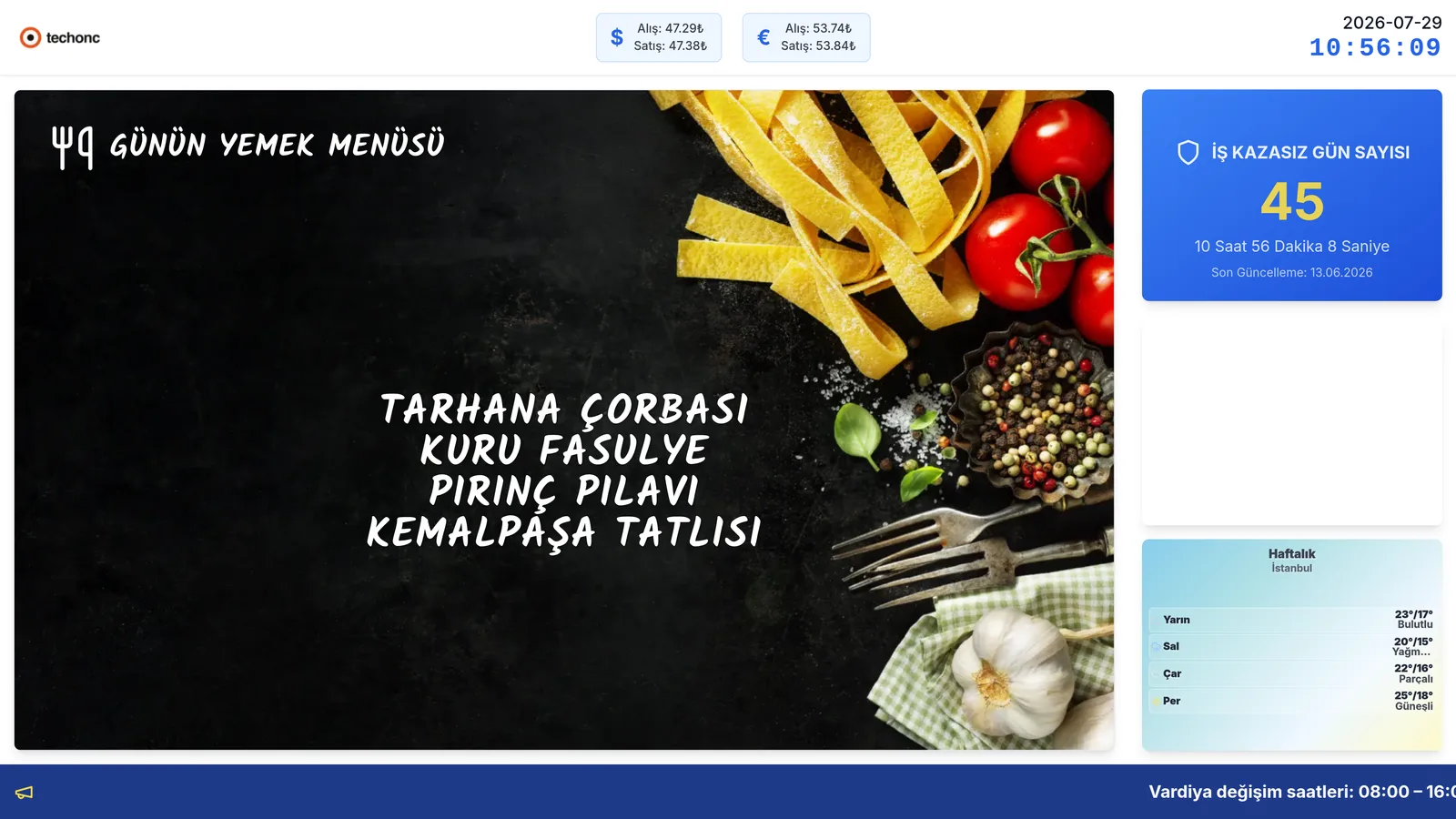
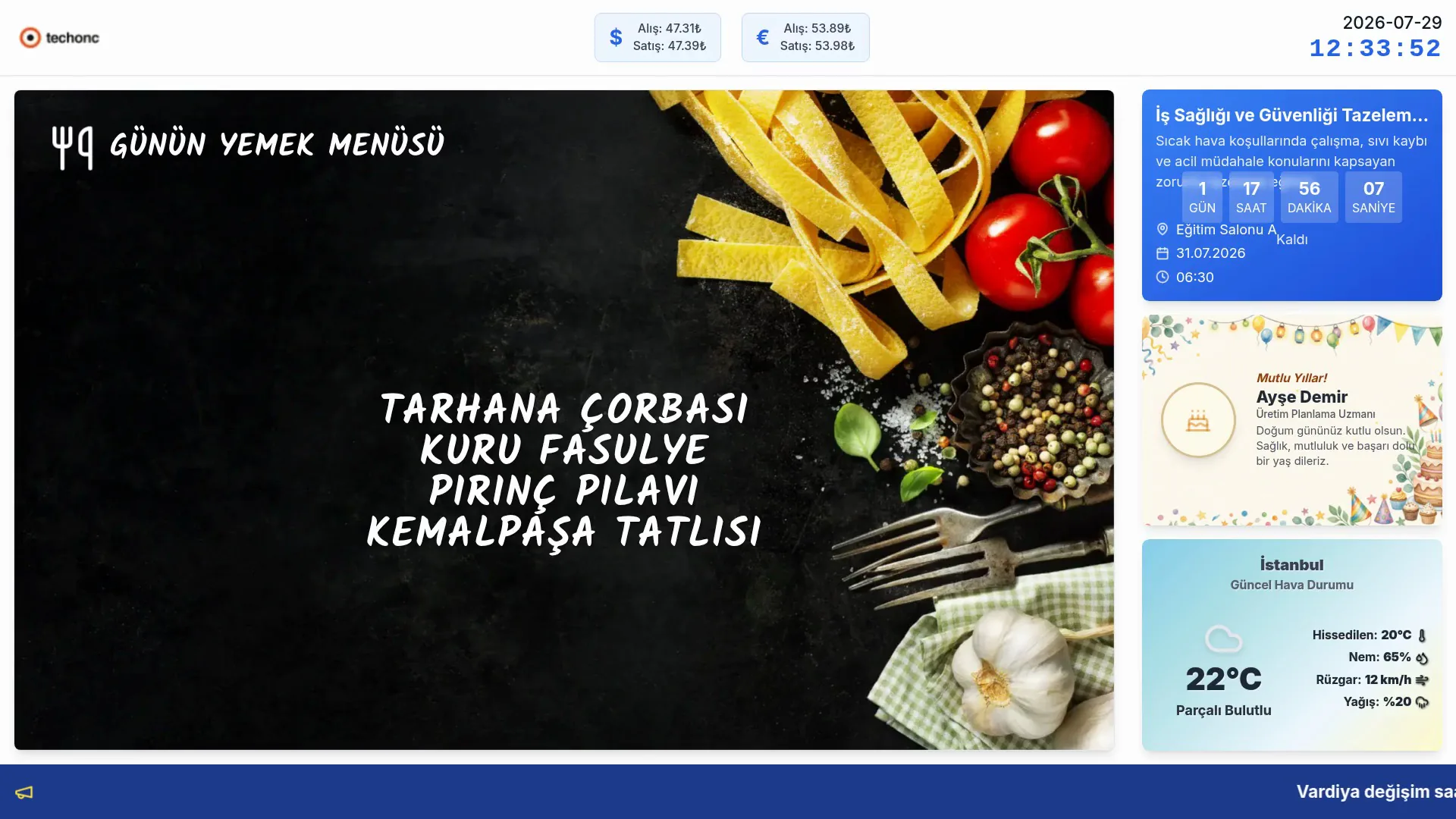
TVs in the cafeteria and common areas became centrally managed live screens: slides, a chalkboard-style daily menu, currency rates, weather, celebrations, an accident-free-days counter and news tickers — all from one admin panel.
Outcome
Changes in the admin panel appear on the TVs instantly; the monthly menu is loaded from an Excel file in one pass; the system runs 24/7 in the field.
Modules
■ Currency Rates
Source and display settings for the live rate strip in the header.
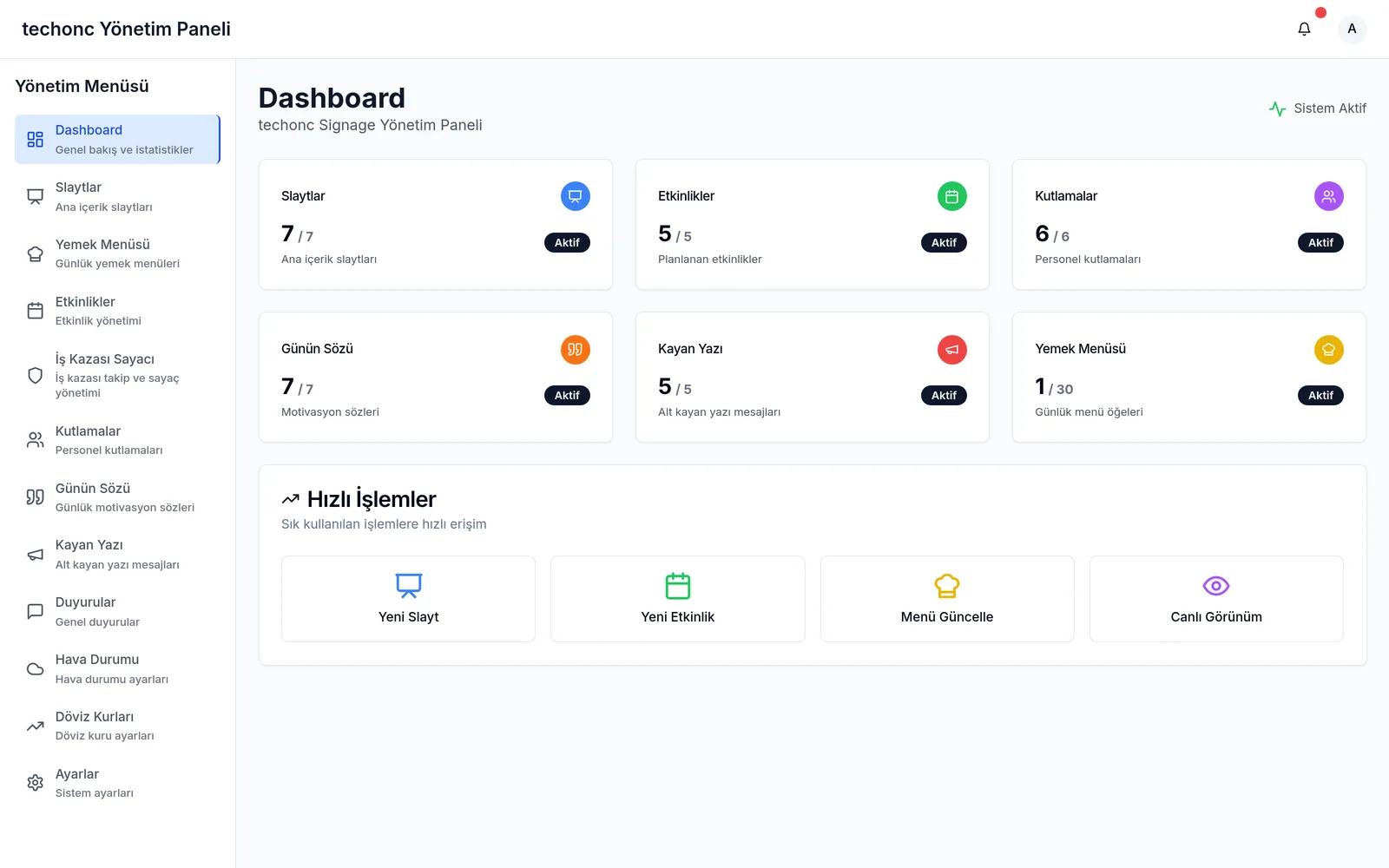
■ Dashboard
At-a-glance totals and active counts for every content type.
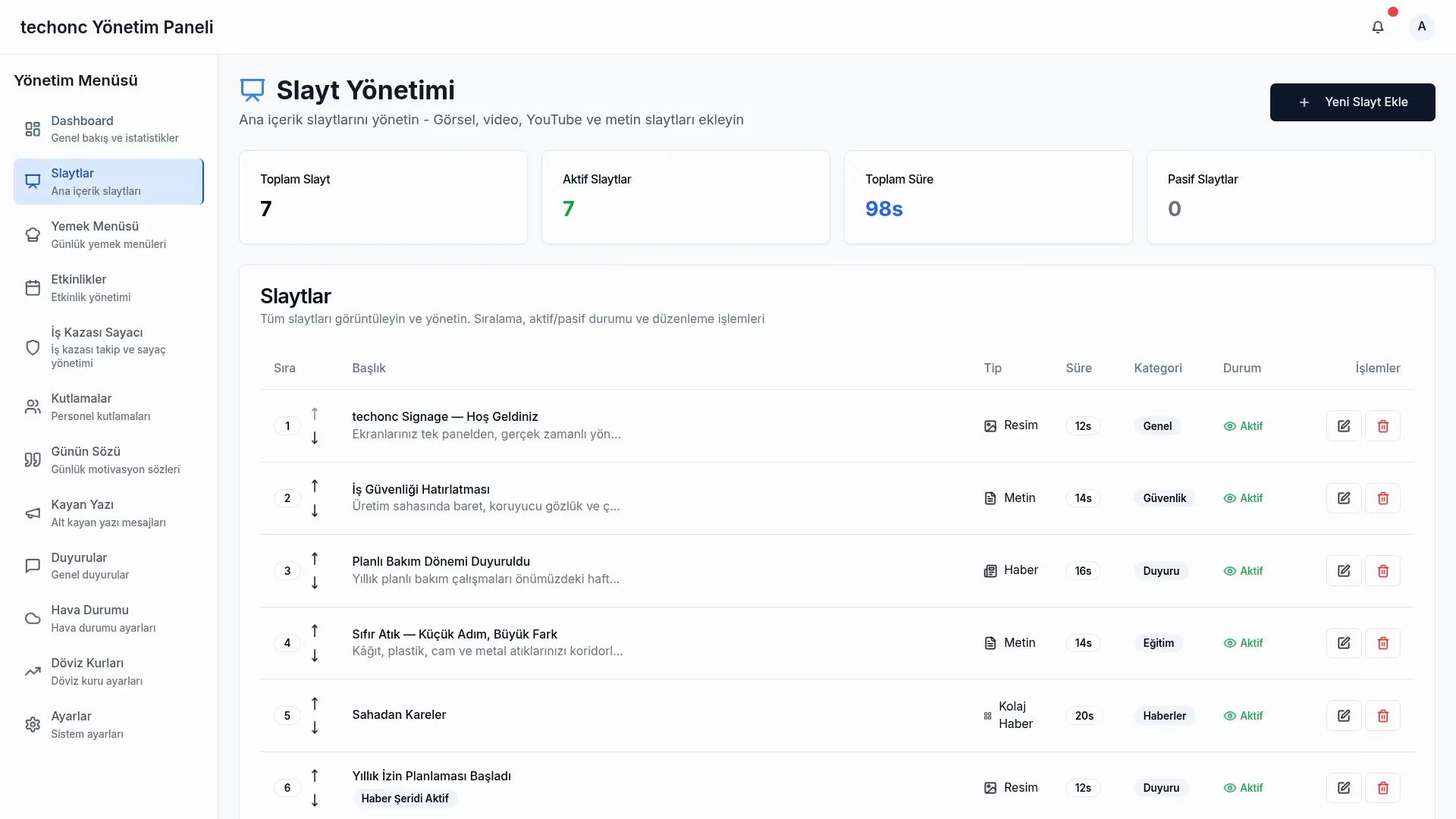
■ Slide Management
6 slide types (image, video, YouTube, text, news, collage) with duration, order, category and layout/color options.
■ Meal Menu
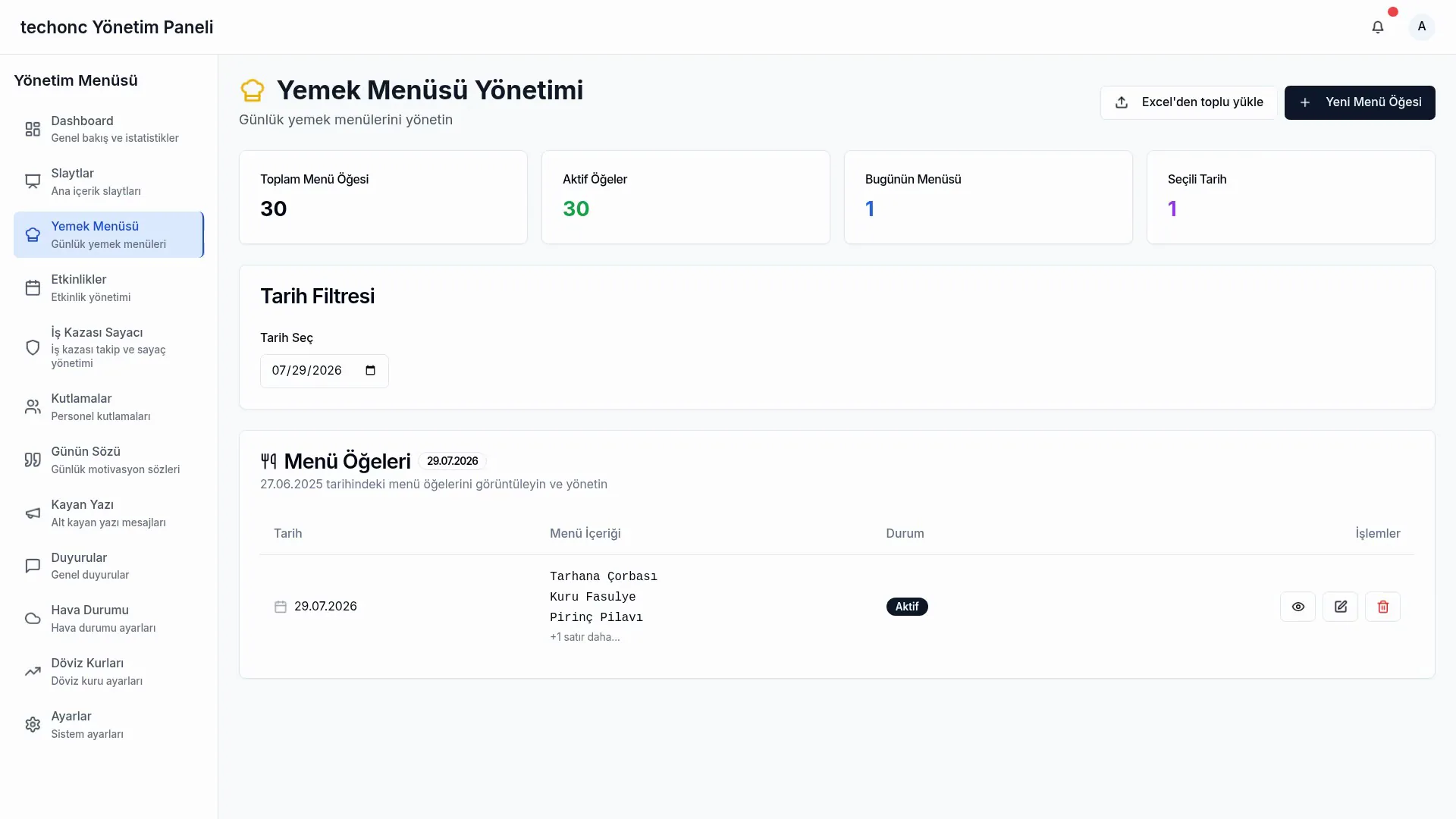
Daily menu entry, chalkboard preview and a monthly bulk-import wizard from Excel.
■ Events
Events with date/time and location; countdown on TV, automatic deactivation when finished.
■ Accident Tracking
Accident records and a one-click counter reset; feeds the accident-free-days counter.
■ Celebrations
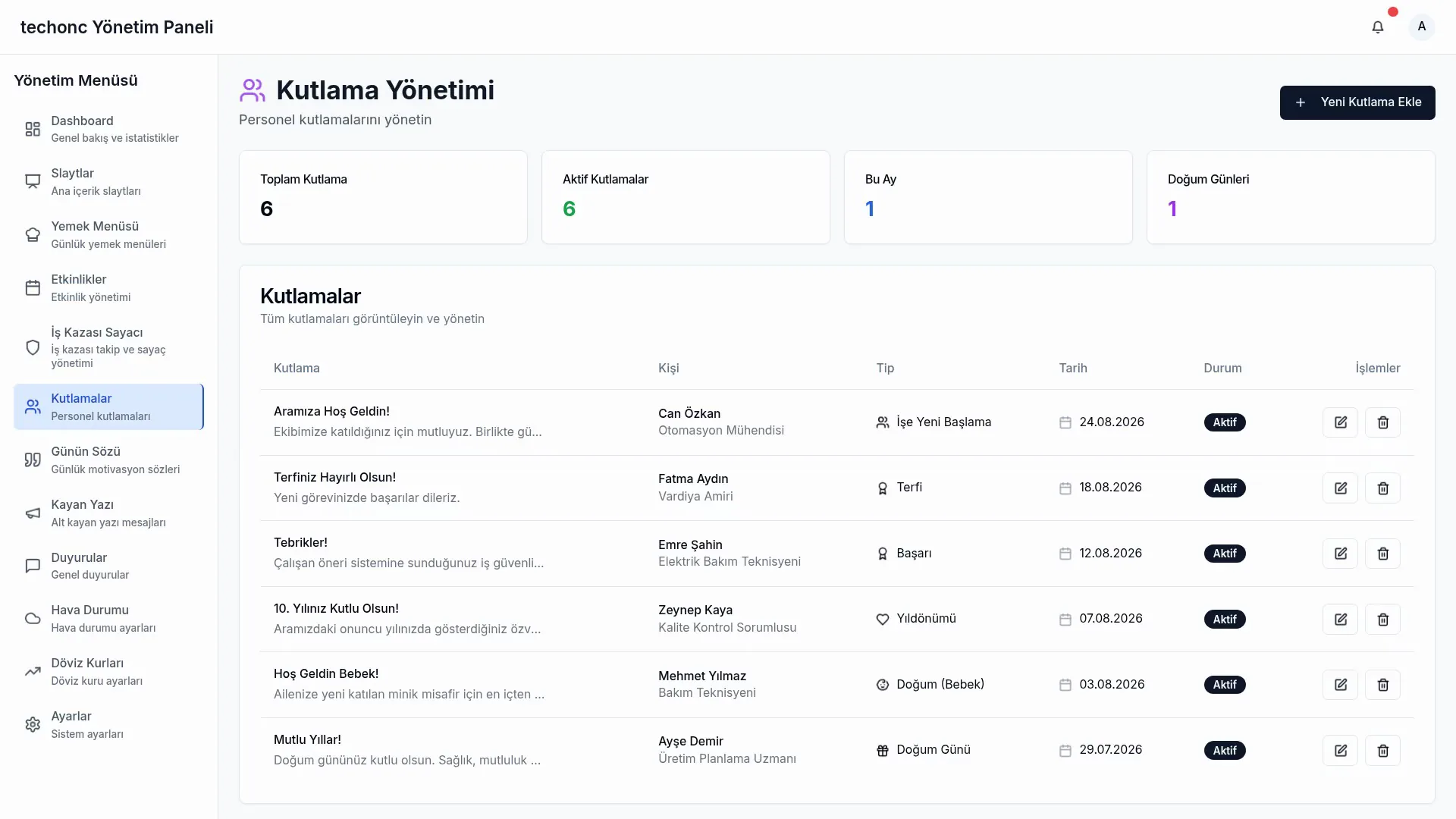
Birthdays, new babies, anniversaries and achievements, shown with type-specific badges.
■ Quote of the Day
Motivational quotes published within date ranges.
■ Ticker
Priority-ordered bottom-band messages flowing as a seamless marquee.
■ Announcements
General announcement management.
■ Weather
Location/API settings with a live data preview.
■ System Settings
Logo, slide duration, refresh interval, animation speed and automatic light/dark theme hours.
Screenshots
Key capabilities
Monthly menu from Excel
The cafeteria's monthly Excel parses in the browser: the right sheet is auto-detected, the calendar grid is read day by day, missing days are flagged; an editable preview and per-row skip/overwrite conflict handling lead to a single-confirm bulk load.
A TV channel from the browser
The TV UI runs in headless Chrome and is converted into a 1080p H.264 HLS stream any smart TV or browser can play like normal video.
Instant content updates
All content tables are watched in real time; admin changes hit the TVs immediately, with polling fallbacks per data source.
Chalkboard menu screen
The daily menu opens every rotation as the first slide with a chalk-writing effect; font size auto-scales in 4 steps by line count.
Accident-free-days counter
A live counter with day/hour/minute/second precision since the last recorded accident.
Animated weather card
Current + 5-day forecast with condition-driven backgrounds and particle animations (rain, snow, sun, lightning).
Kiosk mode
Interaction fully disabled, cursor hidden; hourly full refresh keeps long-running screens fresh.
DISABLED IN THE DEMO
In the demo the live broadcast engine (HLS) is switched off — continuous video encoding would occupy the server; it runs in production. Weather is shown with demo data.
ADAPTATION
How it changes in another organisation
What appears on screen is decided by the organisation's own work: a production board instead of a lunch menu, shift information instead of a celebration card. New content types are added as separate modules; there is no limit on the number of screens or locations.
TECHNICAL DEEP DIVE
STACK
ENGINEERING NOTES
CDP Screencast → FFmpeg → HLS pipeline
1080p JPEG frames from the Chrome DevTools Protocol are piped into FFmpeg and encoded to a 20 FPS, 3 Mbps H.264 HLS stream (~30 s buffer). If FFmpeg crashes it restarts within 2 seconds.
The clock trick against stream latency
Since HLS delay would leave the on-screen clock behind, the broadcast side permanently hides it; the viewing page overlays a real-time clock updated every second on top of the video.
Database isolation via a dedicated schema
All clients are pinned to their own PostgreSQL schema — fully isolated from the other product (Portal) sharing the same database instance.
Tolerant Excel grid parser
Day rows are recognized both as integers and Excel date serials; footnotes are filtered out. The Excel library loads only on demand and stays out of the main bundle.
Layered freshness model
Each data source refreshes at its own rhythm: accident data every 10 s, events/ticker every 30 s, currency every 2 min, weather every 30 min — with realtime subscriptions invalidating instantly on top.
Two separate Docker images
The main app ships as a small multi-stage standalone image; the broadcast engine runs in a separate container with Puppeteer, FFmpeg and Turkish fonts.